Best 4K Webcams for Teachers 2026: What Reviewers Agree On
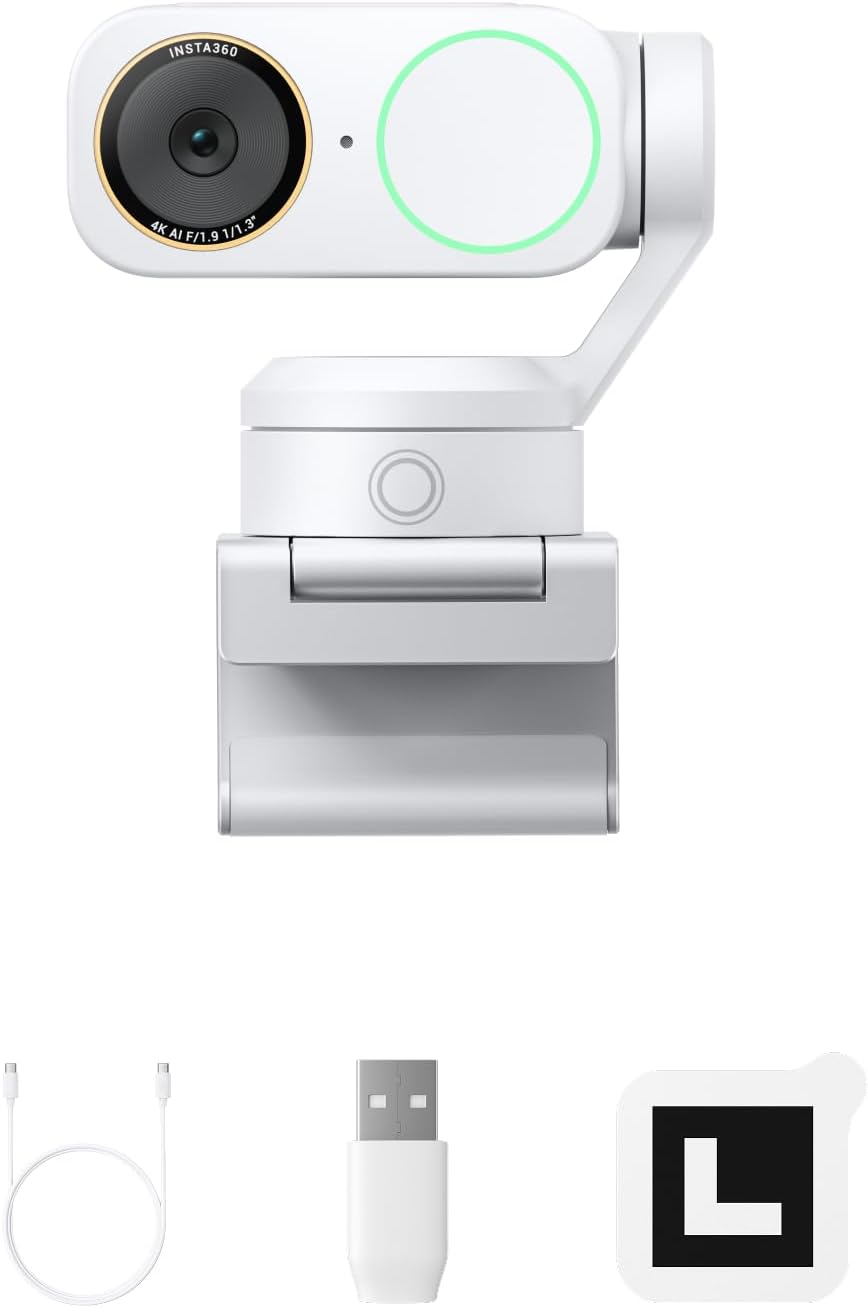
Insta360 Link 2 Pro
For a classroom or hybrid lesson, it is the camera most of these reviewers recommend: gimbal tracking that follows a moving presenter and handles groups, whiteboard mode that keeps a board squared in frame, and a DeskView that works like a document camera. Tom's Guide calls it 'a presenter's dream' for lecturers and classrooms, TechRadar and GameRevolution score it 4.5/5 and 9/10, and Wirecutter makes it its upgrade pick for image and mic quality.
📺 Show 8 review videos
Watch Video
Watch Video
Watch Video
Watch Video
Watch Video
Watch Video
Watch Video
Watch Video
📊 Quick Comparison
| # | Product | Recommended By | Best For | Price |
|---|---|---|---|---|
| 1 | Insta360 Link 2 Pro | 4/8 reviewers | Classroom and hybrid lessons where you move between a board, a desk and the class | $210-250 |
| 2 | Insta360 Link 2 | 2/8 reviewers | Lower-cost gimbal tracking for teachers who walk to the board | $175-200 |
| 3 | OBSBOT Tiny 3 | 2/8 reviewers | Presenters who want object and voice tracking plus strong built-in mics | $340-350 |
| 4 | OBSBOT Tiny 2 | 2/8 reviewers | Hands-free voice control in front of a class | $299-329 |
💬 Reviewer Consensus
Common Pros
- Insta360 Link 2 Pro / Link 2 / OBSBOT Tiny 3 / Tiny 2: built-in whiteboard and overhead desk modes for showing work (8/8 mention)
- Insta360 Link 2 Pro: gimbal tracking keeps a moving presenter framed (4/8 mention)
- Insta360 Link 2 Pro / OBSBOT Tiny 3: built-in mics clear enough to skip a headset (3/8 mention)
- OBSBOT Tiny 3 / Tiny 2: voice control and voice or object tracking (4/8 mention)
- Insta360 Link 2: pause-track zones stop it following people behind you (1/8 mention)
Common Cons
- Gimbal webcams: expensive next to a fixed webcam; overkill for desk-only calls (6/8 mention)
- Insta360 Link 2 Pro: desk view needed tilt tuning; feels fragile to carry between rooms (1/8 mention)
- Insta360 Link 2 Pro: only 4x digital zoom for larger rooms (1/8 mention)
- OBSBOT Tiny 3: no hand tracking in desk mode; autofocus pulses while tracking (1/8 mention)
- OBSBOT Tiny 2: average microphone; GameRevolution also says Link 2 Pro audio trails a dedicated mic (2/8 mention)
⚠️ Real-World Pain Points (from hands-on reviews)
- Teachers talk with their hands, and gestures misfire: CNET's reviewer turned off the Tiny 3's gesture controls because flailing while talking switched features on and off, and found hand tracking still confuses left and right.
- Document-camera views need setup: Wirecutter's Link 2 Pro desk view aimed at the tester's lap rather than the keyboard until tilt was changed in software, and CNET notes the Tiny 3 can't hand-track in its overhead desk mode.
- Tracking cameras refocus and feel delicate: CNET found the Tiny 3's autofocus pulses too often when tracking, and Wirecutter says the Link 2 Pro feels more fragile than other webcams and doesn't recommend it for people who carry their gear around.
🔍 Detailed Breakdown
Insta360 Link 2 Pro
Tom's Guide calls it 'a presenter's dream' and a great choice for lecturers and classrooms: desk view tilts down for a top-down shot of notes, and whiteboard mode kept a board framed even while it was held shakily and written on. TechRadar (4.5/5) found tracking held even when the tester tried to leave the frame; GameRevolution (9/10) says educators will appreciate DeskView and Whiteboard. Wirecutter's upgrade pick praises a mic close to lavalier clarity, but its desk view aimed at the tester's lap until tilt was adjusted, and it feels more fragile than other webcams. Tom's Guide wanted more than 4x zoom for bigger rooms.
Best for: Classroom and hybrid lessons where you move between a board, a desk and the class - $210-250
Insta360 Link 2
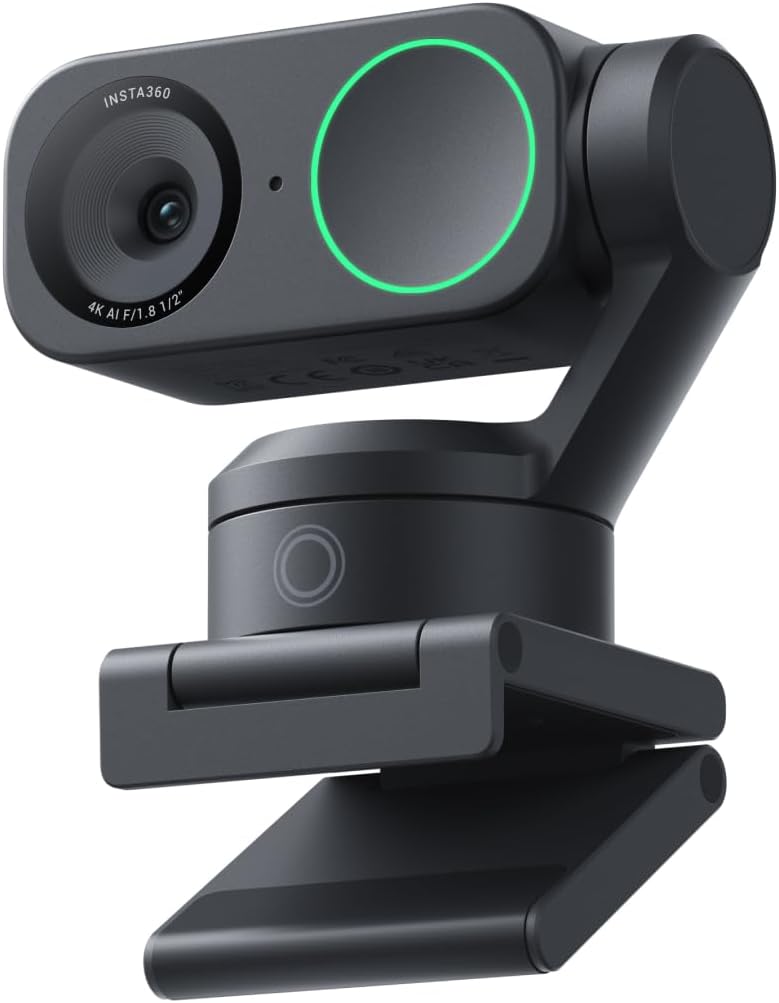
PowerUp! (4.5/5, weeks of use) says that if you present from different spots in the room, write on a board or demo things at your desk, the Link 2 earns its premium: tracking feels natural when you stand, DeskView is instant, and 'pause-track' zones stop it following someone walking behind you. Wirecutter says it shares most of the Link 2 Pro's features and is a great value if you can give up the Pro's better image and mic. PowerUp! notes it is bulkier than OBSBOT's cameras.
Best for: Lower-cost gimbal tracking for teachers who walk to the board - $175-200
OBSBOT Tiny 3
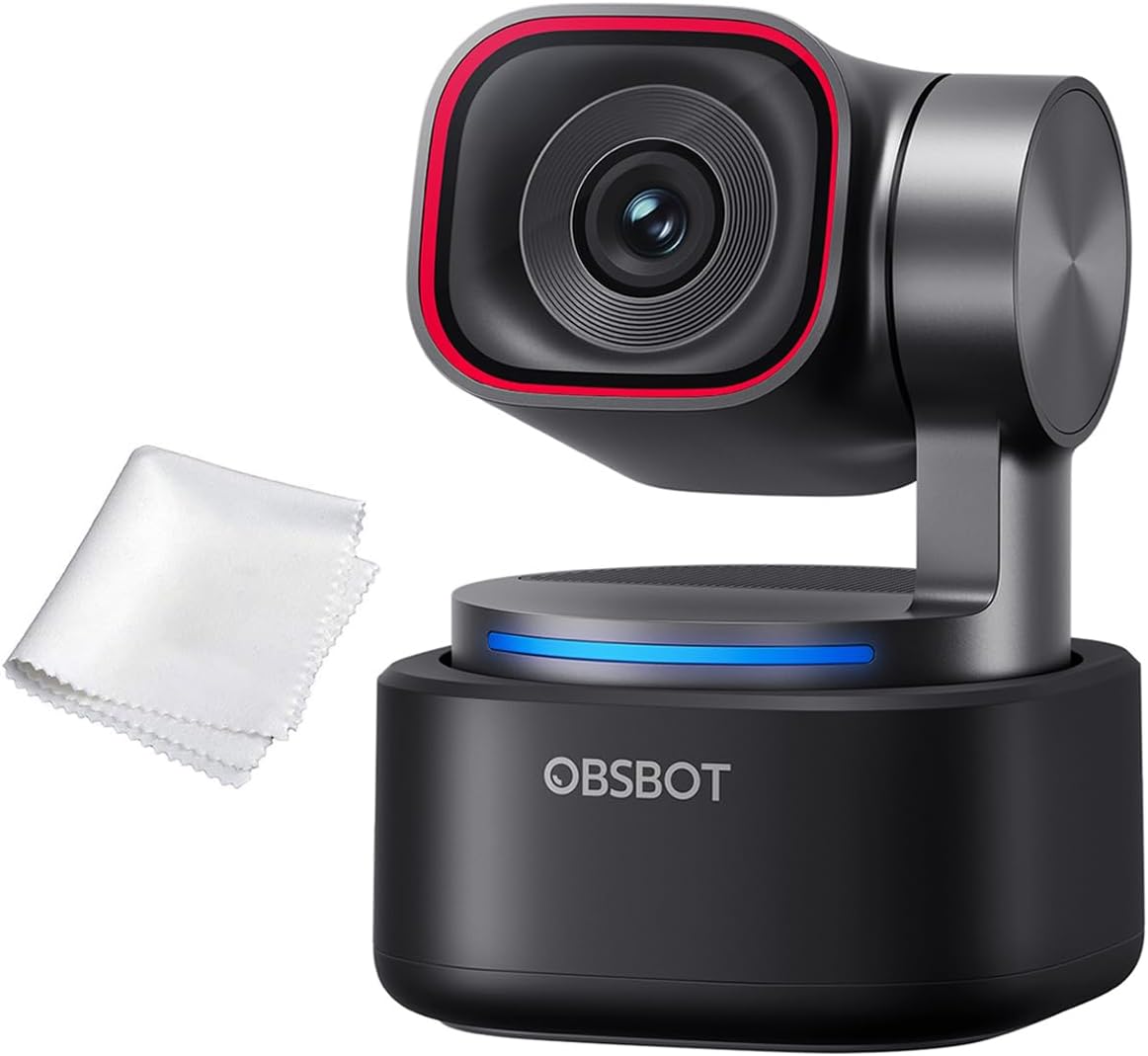
PCMag (4.5/5) rates it the most capable webcam you can buy, with desk and whiteboard modes plus excellent mics. CNET (8.6/10) says its object tracking can be useful for presenters and how-to videos and voice tracking helps with several speakers — but its desk mode can't hand-track, autofocus pulses too often while tracking, and the reviewer turns gestures off because talking with their hands triggered them. Both flag the $349 price.
Best for: Presenters who want object and voice tracking plus strong built-in mics - $340-350
OBSBOT Tiny 2
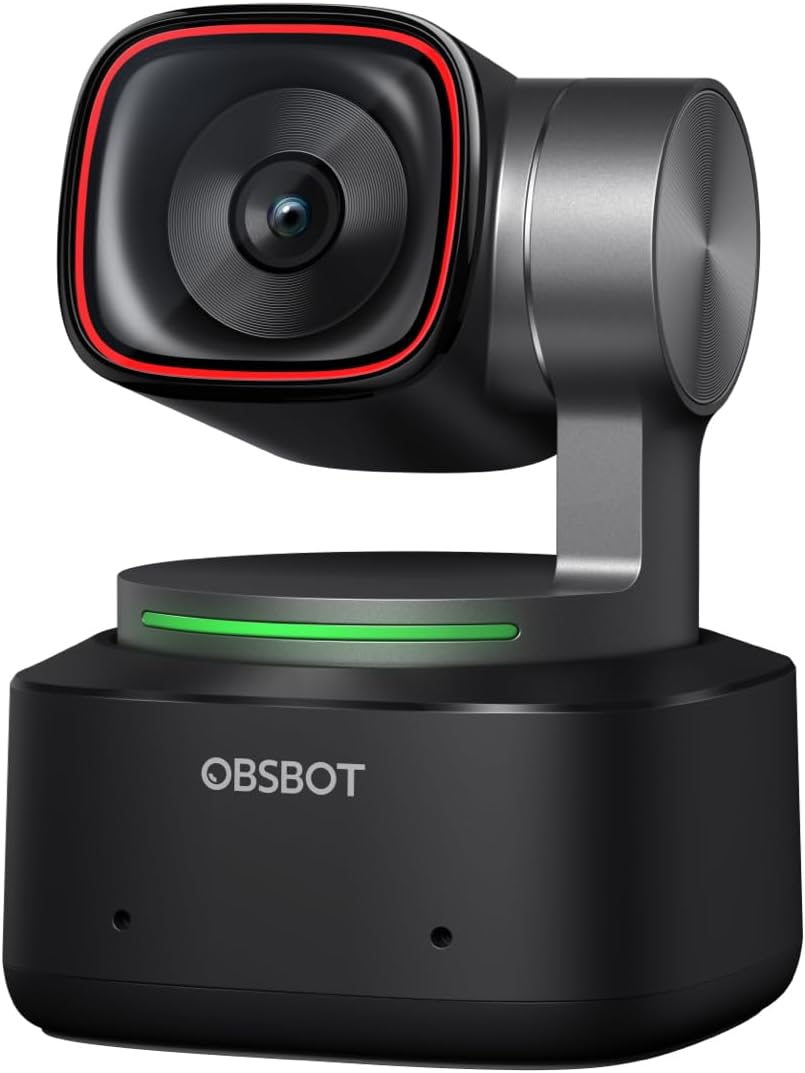
PCMag (4.5/5, Editors' Choice) liked its powerful AI tracking and excellent 4K video, and lists group, whiteboard, hand-tracking and desk modes — though it couldn't test the whiteboard mode, and calls the mic average. Wirecutter suggests it if you want voice commands such as 'Track me', which worked even with music playing. Tom's Guide found the newer Link 2 Pro's gimbal tracking more consistent.
Best for: Hands-free voice control in front of a class - $299-329
Also considered
We compared 4 products. Insta360 Link 2 Pro won overall — the rest are strong in narrower niches:
- Insta360 Link 2 — Lower-cost gimbal tracking for teachers who walk to the board (2/8 reviewers)
- OBSBOT Tiny 3 — Presenters who want object and voice tracking plus strong built-in mics (2/8 reviewers)
- OBSBOT Tiny 2 — Hands-free voice control in front of a class (2/8 reviewers)
📖 Confused by the specs? Plain-English explanations
❓ Frequently Asked Questions
Why is the Insta360 Link 2 Pro our top pick?
Our Pick: Insta360 Link 2 Pro
For a classroom or hybrid lesson, it is the camera most of these reviewers recommend: gimbal tracking that follows a moving presenter and handles groups, whiteboard mode that keeps a board squared in frame, and a DeskView that works like a document camera. Tom's Guide calls it 'a presenter's dream' for lecturers and classrooms, TechRadar and GameRevolution score it 4.5/5 and 9/10, and Wirecutter makes it its upgrade pick for image and mic quality.
$210-250
🔍 We're manually verifying this product's purchase link — check back soon.