Best 4K Webcams for Online Teaching 2026: What Reviewers Agree On
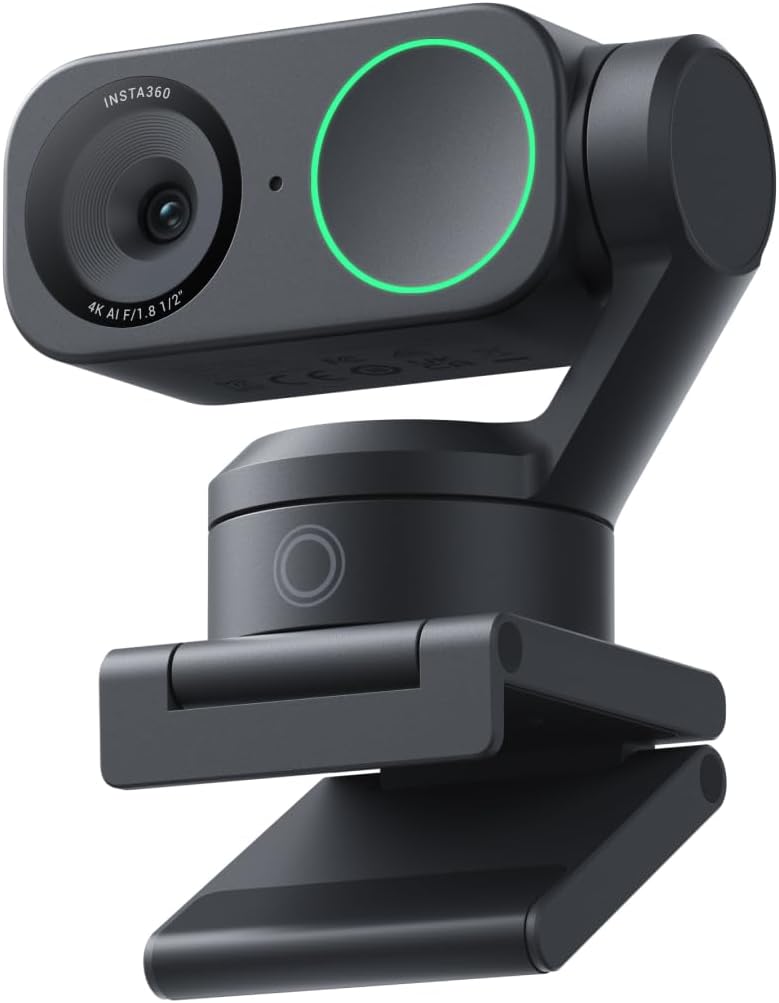
Insta360 Link 2
For lessons taught from home, it's the camera reviewers most often connect to teaching: a gimbal that keeps you framed if you stand, Smart Whiteboard mode that squares off a board, and a DeskView that tilts down by itself to show handwritten work. Tom's Guide, TechRadar, GamesRadar+ and PowerUp! single out exactly these modes for online educators; WIRED rates it 8/10. Caveat: PCMag (3/5) found its 4K picture noisier than rivals.
📺 Show 9 review videos
Watch Video
Watch Video
Watch Video
Watch Video
Watch Video
Watch Video
Watch Video
Watch Video
Watch Video
📊 Quick Comparison
| # | Product | Recommended By | Best For | Price |
|---|---|---|---|---|
| 1 | Insta360 Link 2 | 6/9 reviewers | Remote teachers who switch between face, a whiteboard and notes on the desk during a lesson | $175-200 |
| 2 | Insta360 Link 2C | 2/9 reviewers | Seated lessons on a budget, with a physical privacy shutter | $100-150 |
| 3 | Logitech MX Brio | 1/9 reviewers | Teachers who want a fixed, wide 4K view plus a quick tilt-down Show mode for documents | $170-200 |
| 4 | Insta360 Link 2 Pro | 1/9 reviewers | Upgrade pick when your voice and low-light image matter most | $210-250 |
💬 Reviewer Consensus
Common Pros
- Insta360 Link 2: whiteboard and desk/overhead modes make showing written work easy (6/9 mention)
- Insta360 Link 2: AI tracking keeps you framed when you stand or move (5/9 mention)
- Insta360 Link 2 / Link 2C: built-in mic is fine for everyday calls and lessons (5/9 mention)
- Insta360 Link 2C: privacy shutter and smaller footprint for seated teaching (2/9 mention)
- Logitech MX Brio: wide 90-degree lens and top-drawer image quality (1/9 mention)
Common Cons
- Insta360 Link 2 / Link 2C: gesture or AI controls are finicky and trigger by accident (3/9 mention)
- Insta360 Link 2: 4K image noisier and softer than expected; PCMag disagrees with the positive majority (1/9 mention)
- Insta360 Link 2: mic only average; GamesRadar+ was 'disappointed' while WIRED and PowerUp! found it capable (1/9 mention)
- Insta360 Link 2 Pro: feels fragile and desk view needs tilt tuning (1/9 mention)
- Logitech MX Brio: needs an adhesive pad to aim at the desk, slow focus on held-up objects (1/9 mention)
⚠️ Real-World Pain Points (from hands-on reviews)
- Gesture controls misfire in real use: Tom's Guide found that simply waving at the camera sometimes switched AI tracking on, and WIRED says gestures don't always work — awkward mid-lesson.
- Showing documents isn't always point-and-shoot: Wirecutter's Link 2 Pro desk view aimed at the tester's lap until tilt was adjusted, Digital Camera World needed the MX Brio's adhesive pad to aim at the desk, and PC Gamer saw the Link 2C take about a second to focus on text held next to the face.
- Built-in mics pick up the room: Tom's Guide heard keyboard and street noise through the Link 2's mic and GamesRadar+ called its audio just average, so a headset or lav still helps for long lessons.
🔍 Detailed Breakdown
Insta360 Link 2
The webcam reviewers most often tie to online lessons. Tom's Guide calls it ideal for online educators and points to the desktop mode that tilts the camera down to show what you're writing; GamesRadar+ says whiteboard mode 'worked much better than I expected' and could be a game-changer for online lessons; PowerUp! found DeskView 'genuinely useful' after weeks of Teams calls. The dissent is image quality: PCMag (3/5) found the 4K picture noisy and soft even in full light, while Tom's Guide, TechRadar and WIRED were happy with it. Gesture controls are finicky per Tom's Guide and WIRED.
Best for: Remote teachers who switch between face, a whiteboard and notes on the desk during a lesson - $175-200
Insta360 Link 2C
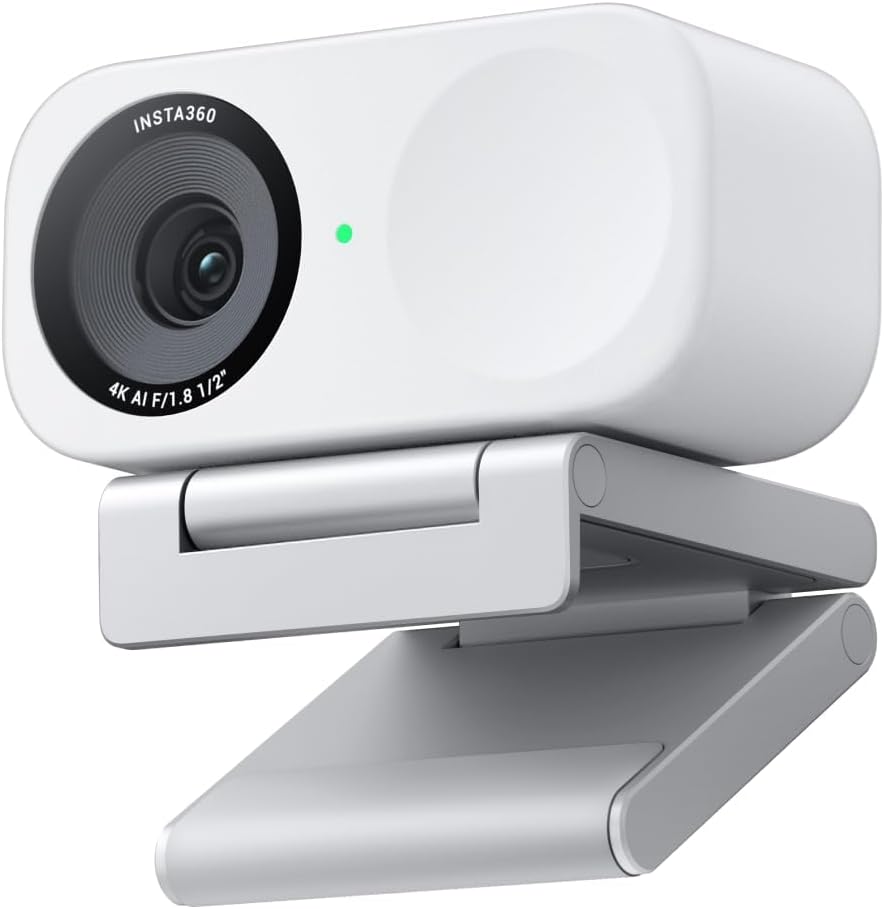
Same sensor and software as the Link 2 without the gimbal. PowerUp! says that if you mostly sit and talk, the 2C 'does 95% of what you need' and adds a real privacy shutter; PC Gamer (86/100) calls it the best 4K webcam at its price when on sale, but rates the software mediocre and the AI controls finicky, and found autofocus takes a second to catch text held next to your face — relevant if you hold up worksheets.
Best for: Seated lessons on a budget, with a physical privacy shutter - $100-150
Logitech MX Brio
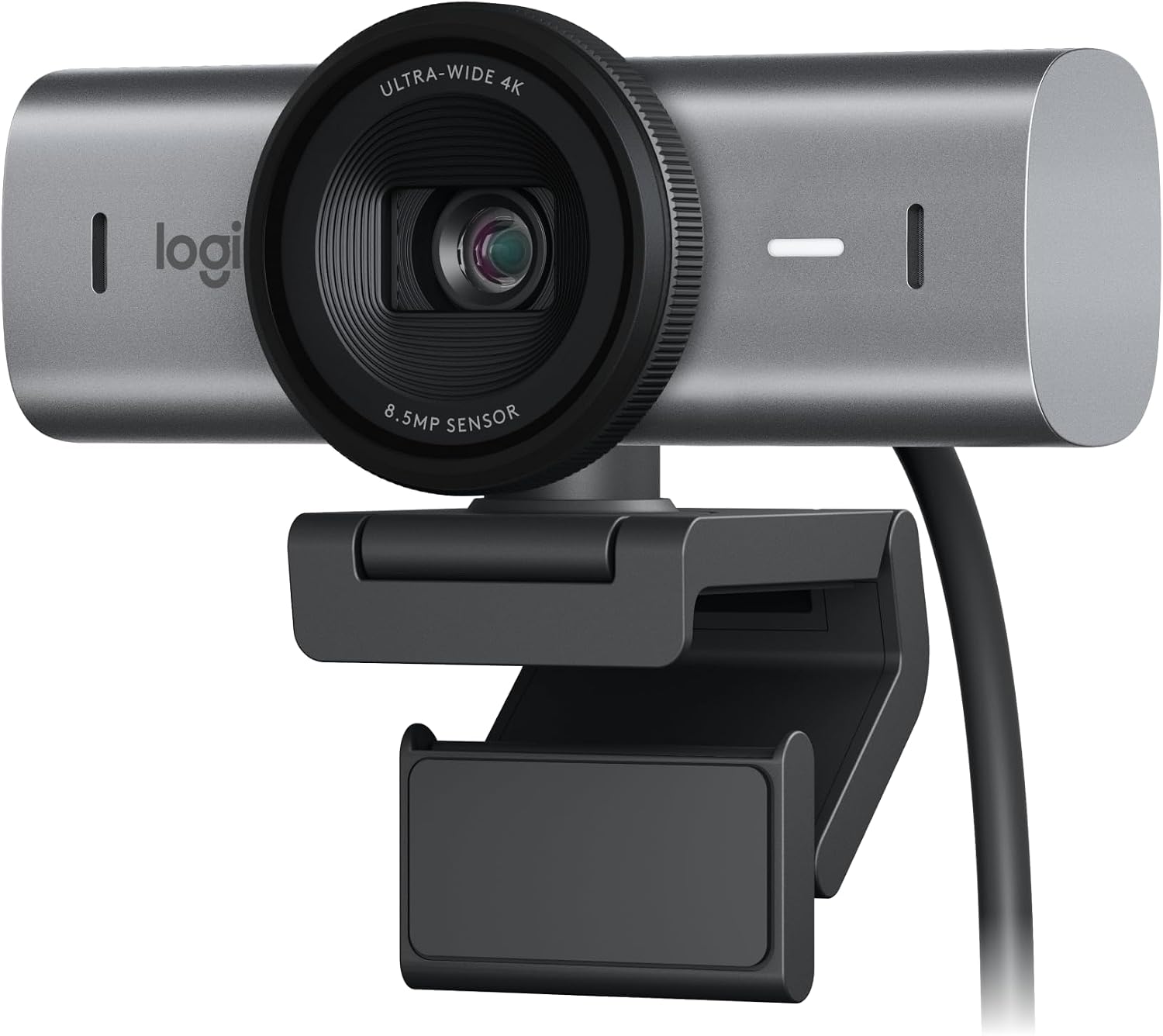
Digital Camera World gave it 5/5 for image quality, good beamforming mics and a 90-degree lens; tilt the mount forward and the picture flips 180 degrees to show your desk. But it notes you need the adhesive pad to aim at the desk reliably, and focus is slow on objects held up to the lens. PCMag's Link 2 review says Insta360's gimbal DeskView is much easier than precariously angling the MX Brio for Show mode.
Best for: Teachers who want a fixed, wide 4K view plus a quick tilt-down Show mode for documents - $170-200
Insta360 Link 2 Pro
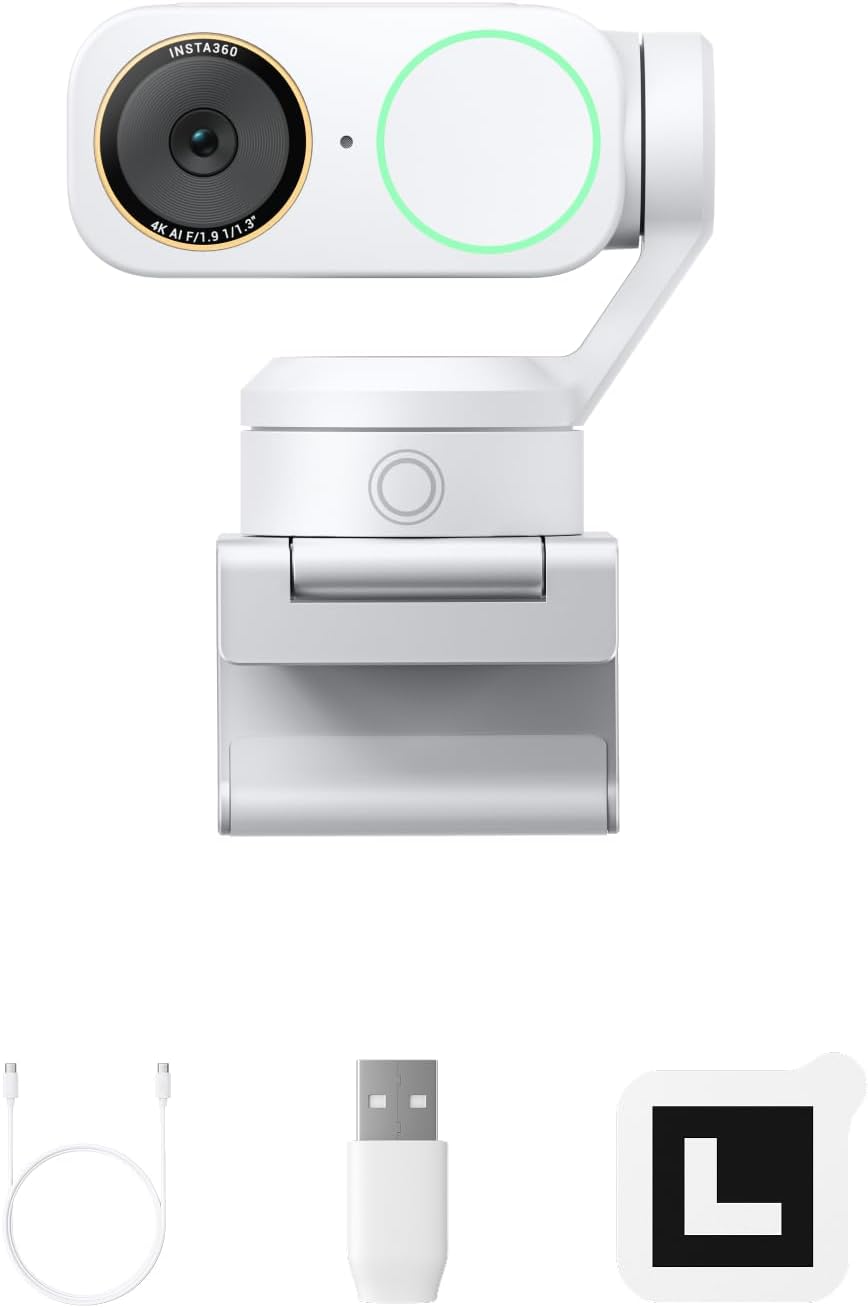
Wirecutter's upgrade pick: best mix of low-light image, white balance and tracking it tested, and a mic it says sounded nearly as clear as a lavalier from over an arm's length away — a real plus for teachers who lecture without a headset. Wirecutter also notes Desk view aimed more at its tester's lap than the keyboard until tilt was adjusted in software, that it feels more fragile than other webcams, and that the Link 2 shares most of its features for less.
Best for: Upgrade pick when your voice and low-light image matter most - $210-250
Also considered
We compared 4 products. Insta360 Link 2 won overall — the rest are strong in narrower niches:
- Insta360 Link 2C — Seated lessons on a budget, with a physical privacy shutter (2/9 reviewers)
- Logitech MX Brio — Teachers who want a fixed, wide 4K view plus a quick tilt-down Show mode for documents (1/9 reviewers)
- Insta360 Link 2 Pro — Upgrade pick when your voice and low-light image matter most (1/9 reviewers)
📖 Confused by the specs? Plain-English explanations
❓ Frequently Asked Questions
Why is the Insta360 Link 2 our top pick?
Our Pick: Insta360 Link 2
For lessons taught from home, it's the camera reviewers most often connect to teaching: a gimbal that keeps you framed if you stand, Smart Whiteboard mode that squares off a board, and a DeskView that tilts down by itself to show handwritten work. Tom's Guide, TechRadar, GamesRadar+ and PowerUp! single out exactly these modes for online educators; WIRED rates it 8/10. Caveat: PCMag (3/5) found its 4K picture noisier than rivals.
$175-200
🔍 We're manually verifying this product's purchase link — check back soon.